You could face an AED 50 fine each time you drive through Dubai's toll gates without proper salik activation or insufficient funds. This mistake can get pricey, and we're here to help you avoid it!
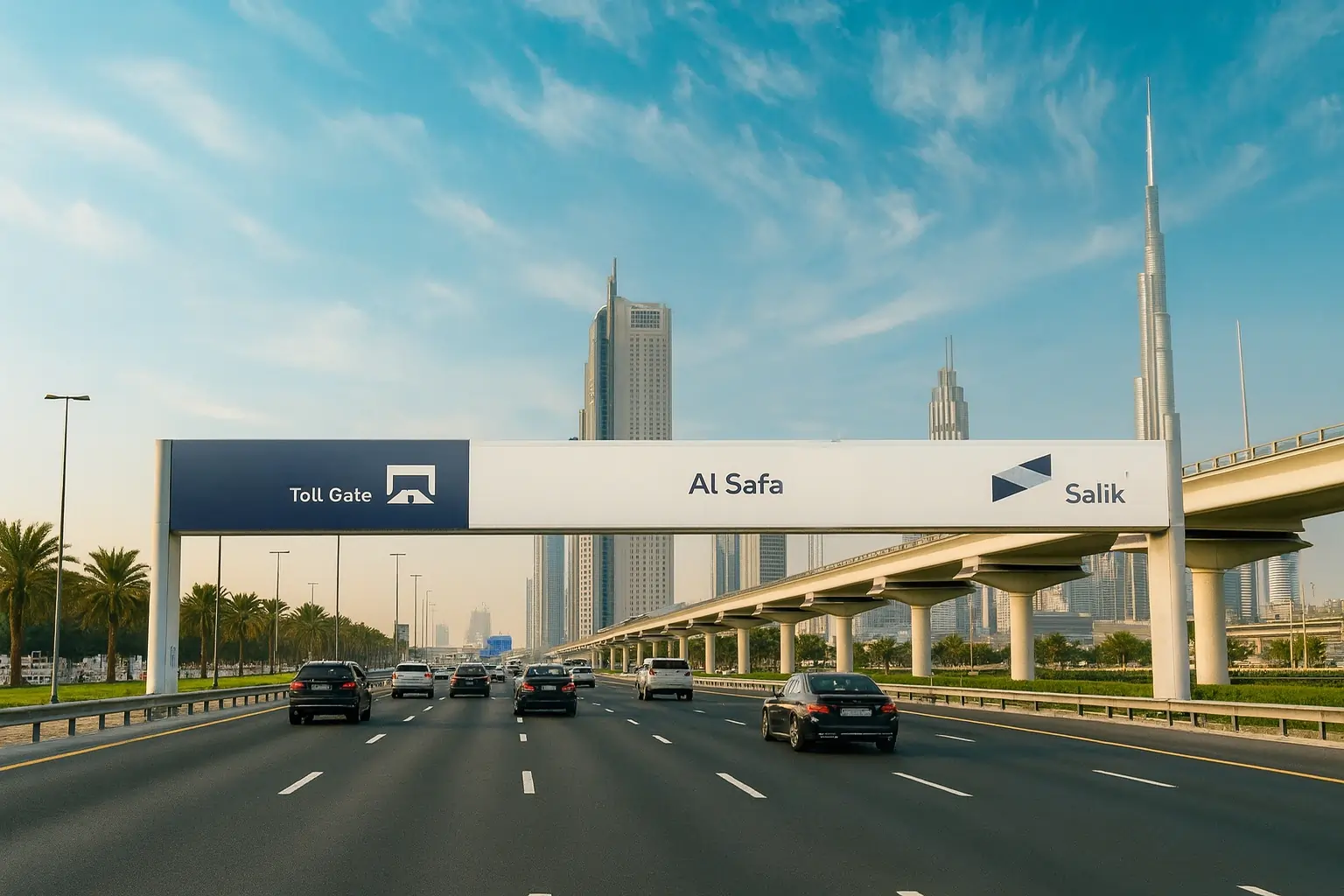
Dubai has six toll gates that charge your Salik account AED 4 per passage. These gates include the Airport Tunnel, Al Maktoum Bridge, Al Safa, Al Barsha, Al Mamzer, and Al Garhoud Bridge. The good news is that salik tag activation is simple. You can complete it online through the official Salik website, mobile apps, or visit an office. The process needs your tag number, activation key, registered mobile number, and vehicle registration details. A new Salik tag costs AED 100 and comes with AED 50 credit loaded into your account.
Let us help you activate your salik correctly and avoid any fines. Our step-by-step instructions will ensure you travel smoothly throughout Dubai. Ready to get your Salik system working?
What is Salik and Why Activation Matters
Salik, which means "clear" or "open" in Arabic, is Dubai's innovative electronic toll collection system that started operating in 2007. This smart free-flow tolling system will give a smooth traffic flow without traditional toll booths getting in the way.
How the Salik system works in Dubai
The Salik system uses Radio Frequency Identification (RFID) technology to detect vehicles that pass through toll gates. The system deducts AED 4 from your prepaid account balance automatically. You don't need to stop or slow down while passing under a toll gate - that's what makes this system brilliant.
Dubai has placed ten strategic toll gates at these locations:
- Al Safa (North and South on Sheik Zayed Road)
- Business Bay Crossing (Al Khail Road)
- Al Barsha (Sheik Zayed Road)
- Al Garhoud Bridge (Sheik Rashid Road)
- Al Maktoum Bridge (Umm Hurair Road)
- Al Mamzar (North and South on Al Ittihad Road)
- Airport Tunnel (Beirut Street)
Why you need to activate your Salik tag
Your Salik tag needs activation after purchase. The system links your tag to your vehicle and sets up your prepaid account during activation. Your vehicle won't be recognized and payments won't process correctly without proper activation.
The activation process helps RFID technology work as intended at the time you pass through toll gates. The Salik tag works as a 'passive' RFID device that gets power from the toll gate's transceiver instead of an internal battery. This makes proper installation and activation crucial.
What it all means if you don't activate it
Not activating your Salik tag guides you toward serious issues. The system offers a grace period of 10 working days from your first unpaid trip through a Salik gate to get everything sorted. Ignoring this window brings hefty fines.
These penalties hit unregistered vehicles hard:
- AED 100 for the first violation
- AED 200 for the second violation
- AED 400 for each violation after that
The system limits these violations to one per day for each vehicle. An unactivated tag prevents automatic toll fee deductions and creates unpaid toll records that keep adding up until you fix the issue.
A properly activated Salik tag saves you money and lets you travel smoothly on Dubai's major highways.
Where and How to Get a Salik Tag
Dubai offers several easy ways to get a Salik tag based on your schedule and priorities. You'll need to activate your tag before you can use it on the road.
Buying from petrol stations, banks, or online
Getting your Salik tag is easy thanks to Dubai's extensive distribution network. You can visit any ENOC/EPPCO, Emarat, or ADNOC petrol station in Dubai. These stations are open 24/7, which makes them perfect if you have a busy schedule.
You can also get Salik tags at select branches of Emirates NBD, Dubai Islamic Bank, and Abu Dhabi Islamic Bank. The official Salik website and Smart Salik App let you buy tags online with home delivery.
The Roads and Transport Authority (RTA) Customer Happiness Centers are great spots to get your tag, especially if you're new and need face-to-face help.
Cost breakdown and what's included
Your purchase costs will vary slightly based on how you buy:
A Salik tag from petrol stations or RTA centers costs AED 100. This price has two parts: the physical tag (AED 50) and prepaid toll credit (AED 50).
Online purchases cost AED 120, which gives you the same tag and credit, plus delivery to your address for AED 20. Your tag should arrive within five working days after you pay.
Documents required for purchase
Make sure you have these documents ready before you buy:
You need your Emirates ID or equivalent identification. You also need your vehicle registration card (Mulkiya) - both front and back. Company-registered vehicles need a copy of the trade license too.
Note that you'll need to activate tags bought from dealers before using toll gates. Tags purchased online activate automatically once your payment goes through.
How to Activate Salik Tag (Online and Offline)
Your next crucial step is activating the Salik tag after receiving it. You can choose from several activation methods that match your needs and provide a smooth setup experience.
Salik activation online via website or app
The official Salik website makes activation simple. You can visit salik.gov.ae to register or log in to your account. The "Activate a Tag" section lets you enter your tag number, activation key, and vehicle details. Submit your Mulkiya and Emirates ID for verification. You will receive confirmation through SMS within 24 hours.
Using RTA or Dubai Now apps
These apps come with dedicated Salik sections. Select "Salik" followed by "Activate Tag," add your information, and wait for SMS confirmation. The Dubai Drive App also offers Salik services, and you can quickly activate your tag through its "Tag Activation" portal.
Offline activation at Customer Happiness Centers
RTA centers in Deira or Umm Ramool welcome walk-in customers with original documents. The core team will activate your tag immediately - perfect if you want face-to-face help.
Phone activation process
Call 800-72545 (8-SALIK) and give the agent your tag number, plate details, and Emirates ID. SMS confirmation usually arrives within two hours.
Common mistakes during activation
Reading problems often stem from wrong tag placement - the tag belongs in your windshield's upper center. Many activation failures happen because of mistakes in tag numbers and activation keys, so verify these details carefully.
Managing Your Salik Account After Activation
Your Salik account needs proper management to travel smoothly through Dubai's toll gates. Let's look at how you can handle your account tasks easily.
How to recharge your Salik account
Your Salik account needs sufficient funds to avoid AED 50 fines for low balance. Several recharge options are available:
- Online: The Salik website gives you access along with Smart Salik, RTA Dubai, Dubai Now, and Careem apps
- SMS: A formatted message to 5959 with your account details works well
- Self-service machines: You'll find them across Dubai
- Banks: Your participating bank's mobile apps or ATMs make it simple You can add between AED 50 and AED 50,000 in a single transaction.
You can add between AED 50 and AED 50,000 in a single transaction.
Checking your Salik balance
You can track your balance through these methods
- A quick call to 800-SALIK (72545) with voice prompts
- Smart Salik app or website login
- SMS to the Salik service
- Dubai Drive or RTA apps
Linking multiple vehicles
A single Salik account works for all your vehicles. The process is straightforward:
- Log into your account
- Add each vehicle individually
- Get a separate tag for each vehicle
Setting up auto-recharge
Auto-recharge makes your life easier:
- Participating banks offer this service
- The system tops up automatically when your balance drops below AED 30 (AED 20 for RTA Credit Cards)
- You can pick recharge amounts of AED 50, 100, or 200
- A call to your bank's customer service will set it up
What to do if your tag stops working
Tag issues? Try these steps:
- Look for damage or wrong placement
- Clean with isopropyl alcohol if it's dirty
- The Salik team at 800-SALIK (72545) can help if needed
Conclusion
The proper activation and management of Dubai's toll system is crucial for drivers. The AED 4 toll fee at each gate is much cheaper than paying fines that start at AED 100 for violations. You can activate your Salik account easily online through their website, mobile apps, or at RTA centers to drive through Dubai without any issues.
Your account needs regular monitoring after activation. Check your balance often and recharge on time to avoid. On top of that, AED 50 insufficient balance penalties, it makes sense to set up auto-recharge through your bank, especially when you pass through multiple toll gates each day.
The Salik tag needs proper placement on your windshield's upper center so the RFID technology works right. A quick check of your tag position and account balance before you drive on Dubai's highways can save you from troubles later. While getting your Salik in order, don't forget to get your car insurance quote to stay fully protected and legal on Dubai's roads.
Dubai's commitment to better traffic flow and modern technology shows in the Salik system. A well-managed Salik account lets you drive freely through this dynamic city without worrying about fines or problems. Enjoy your drives!
Key Takeaways
Here are the essential steps and insights for successfully activating and managing your Salik tag in Dubai:
- Buy your Salik tag for AED 100 (includes AED 50 credit) from petrol stations, banks, or online, then activate within 10 working days to avoid fines.
- Multiple activation options available: Activate online via salik.gov.ae, through RTA/Dubai Now apps, at Customer Happiness Centers, or by calling 800-SALIK with your tag number and vehicle details.
- Maintain sufficient balance: Keep your account funded to avoid AED 50 fines per toll gate passage; set up auto-recharge to automatically top up when balance drops below AED 30.
- Proper tag placement is crucial: Install your Salik tag on the upper center of your windshield to ensure RFID technology works correctly at all toll gates.
- Monitor your account regularly: Check balance through the Smart Salik app, website, or phone service, and remember that each toll gate passage costs AED 4.
With proper activation and account management, you'll enjoy seamless travel through Dubai's ten toll gates while avoiding costly violations that start at AED 100 for unregistered vehicles.